Edit with Qwen Image Edit Plus
Alibaba's advanced image editing model — multi-image blending, text modification, identity preservation, and natural language editing.
AI图像生成器
Qwen Image Edit Plus – Advanced AI Image Editing with Natural Language
Qwen Image Edit Plus is Alibaba's 20-billion-parameter AI image editing model. Edit images with natural language instructions — blend multiple photos, modify text in images, transfer styles while preserving identity. Supports multi-image editing, 94.3% text accuracy, and up to 2K resolution output.
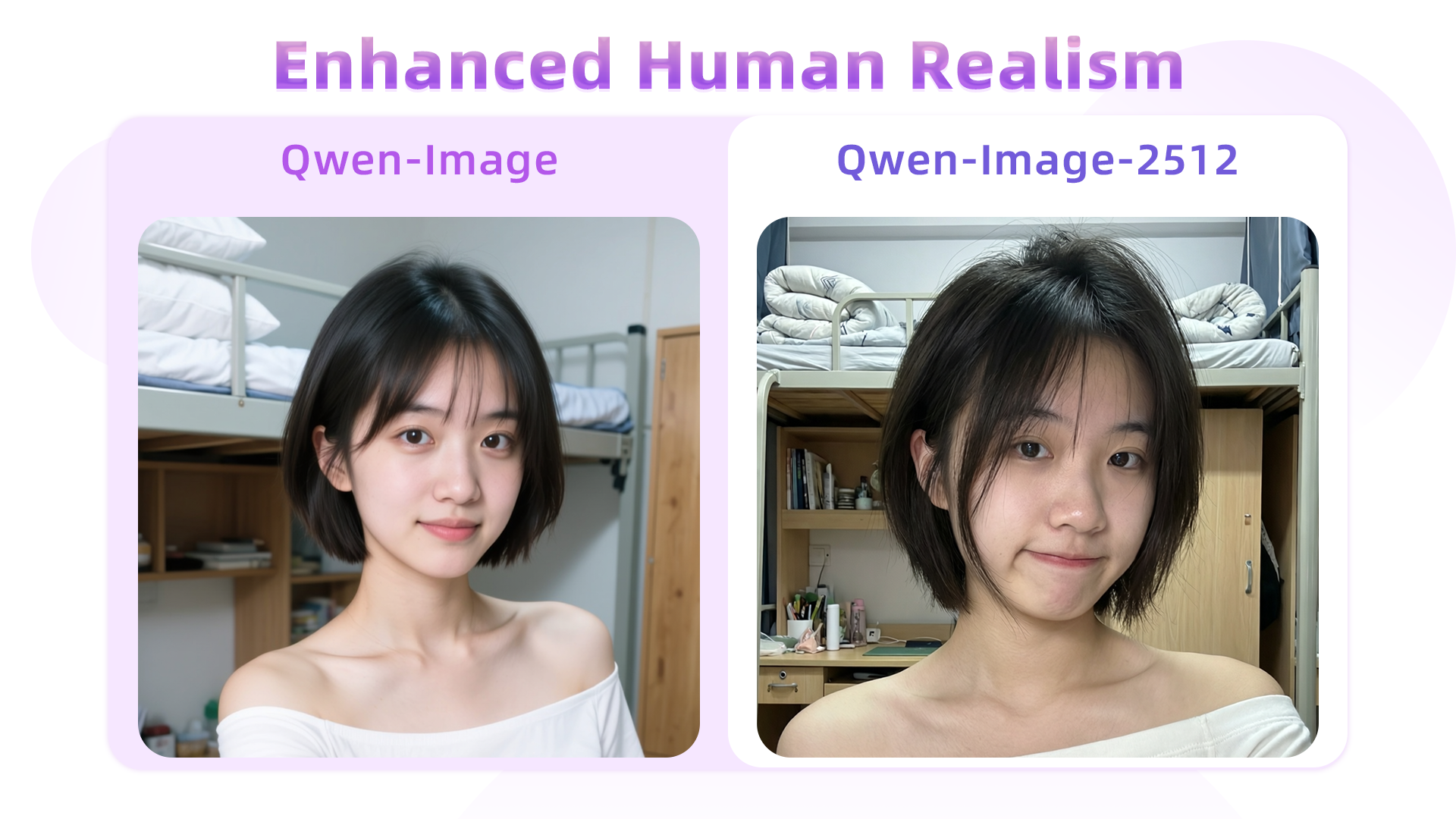
What is Qwen Image Edit Plus?
Qwen Image Edit Plus is Alibaba's advanced AI image editing model with 20 billion parameters, built on a Multimodal Diffusion Transformer (MMDiT) architecture. Unlike text-to-image generators, this model specializes in editing existing images using natural language instructions. It supports multi-image editing (blend up to 3 images), text modification within images with 94.3% accuracy, identity-preserving style transfer, and precise object addition or removal — all through simple text commands.
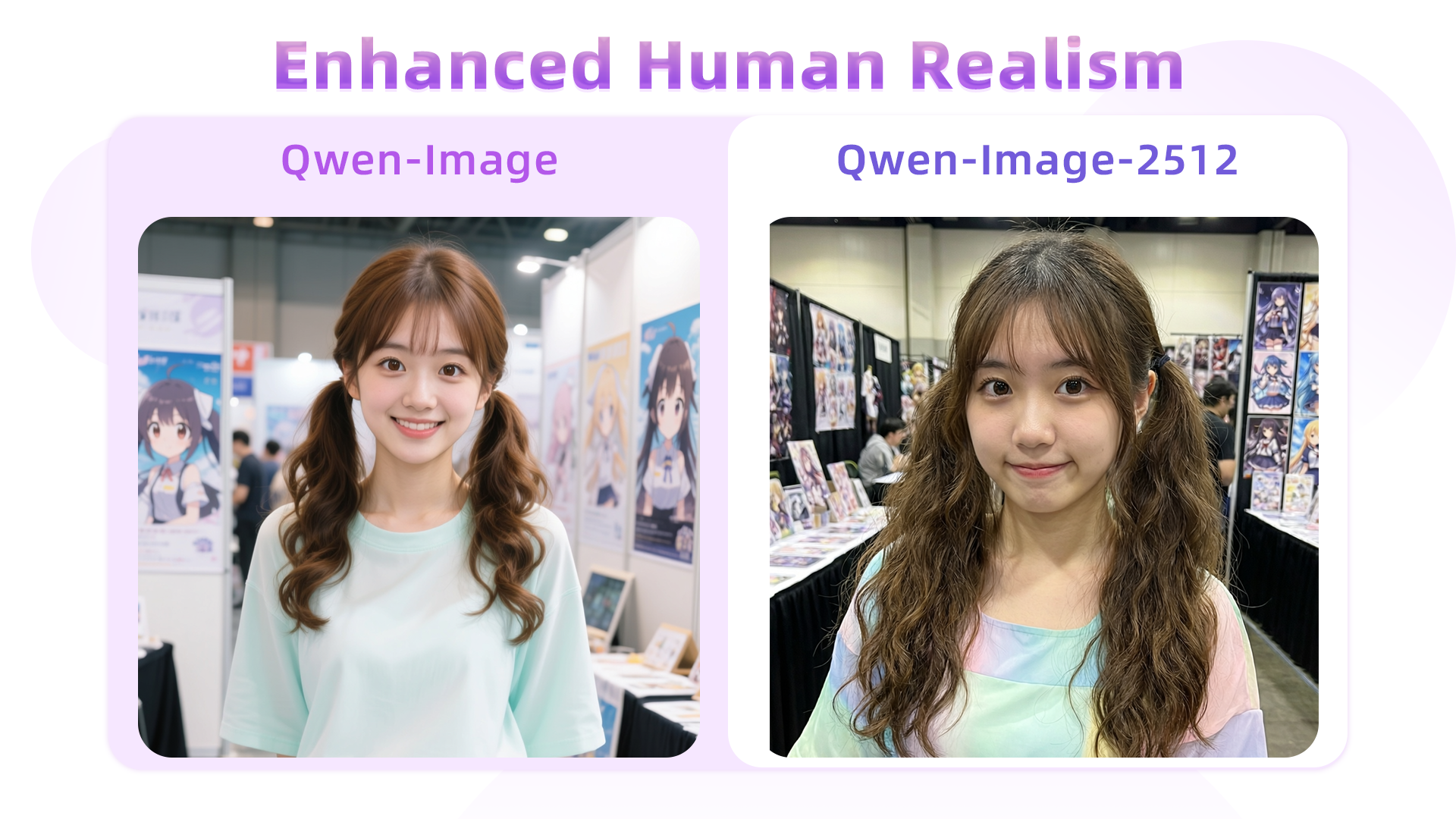
Why Use Qwen Image Edit Plus?
Qwen Image Edit Plus excels at precise, controlled image editing that preserves what matters. When you change a background, the subject's identity, lighting, and details stay intact. When you modify text in an image, it handles font, color, and placement accurately. The multi-image capability lets you blend people into new scenes or combine product images with lifestyle backgrounds — all while maintaining natural, realistic results.
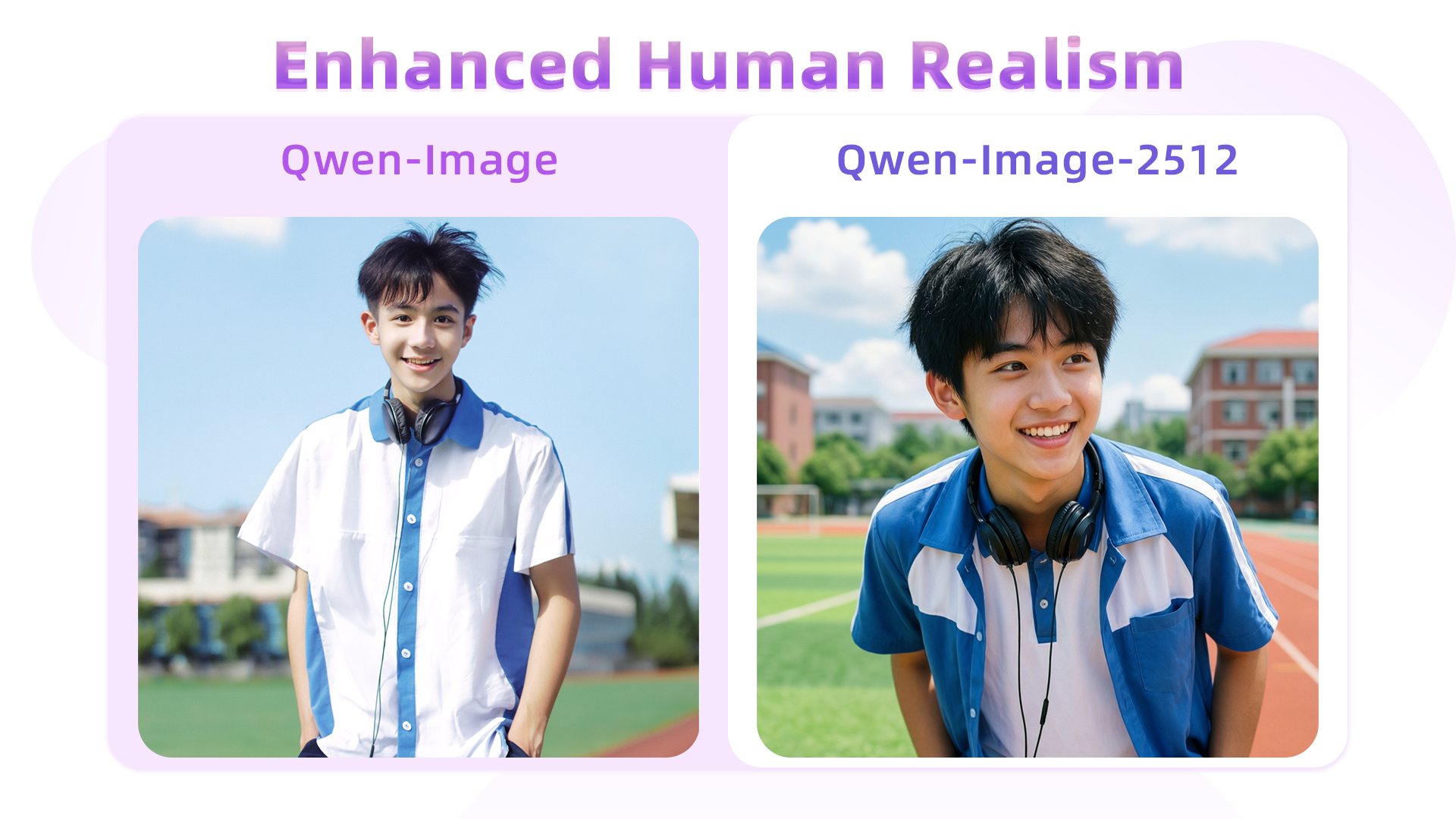
The Problem of Inconsistent AI Image Editing
Traditional AI image editors struggle with consistency — changing one element often distorts others. Text modification produces garbled results, identity shifts between edits, and combining multiple images creates obvious artifacts. Qwen Image Edit Plus solves these problems with its 20B-parameter MMDiT architecture that understands both low-level pixel changes and high-level semantic meaning, delivering precise edits while preserving everything else.
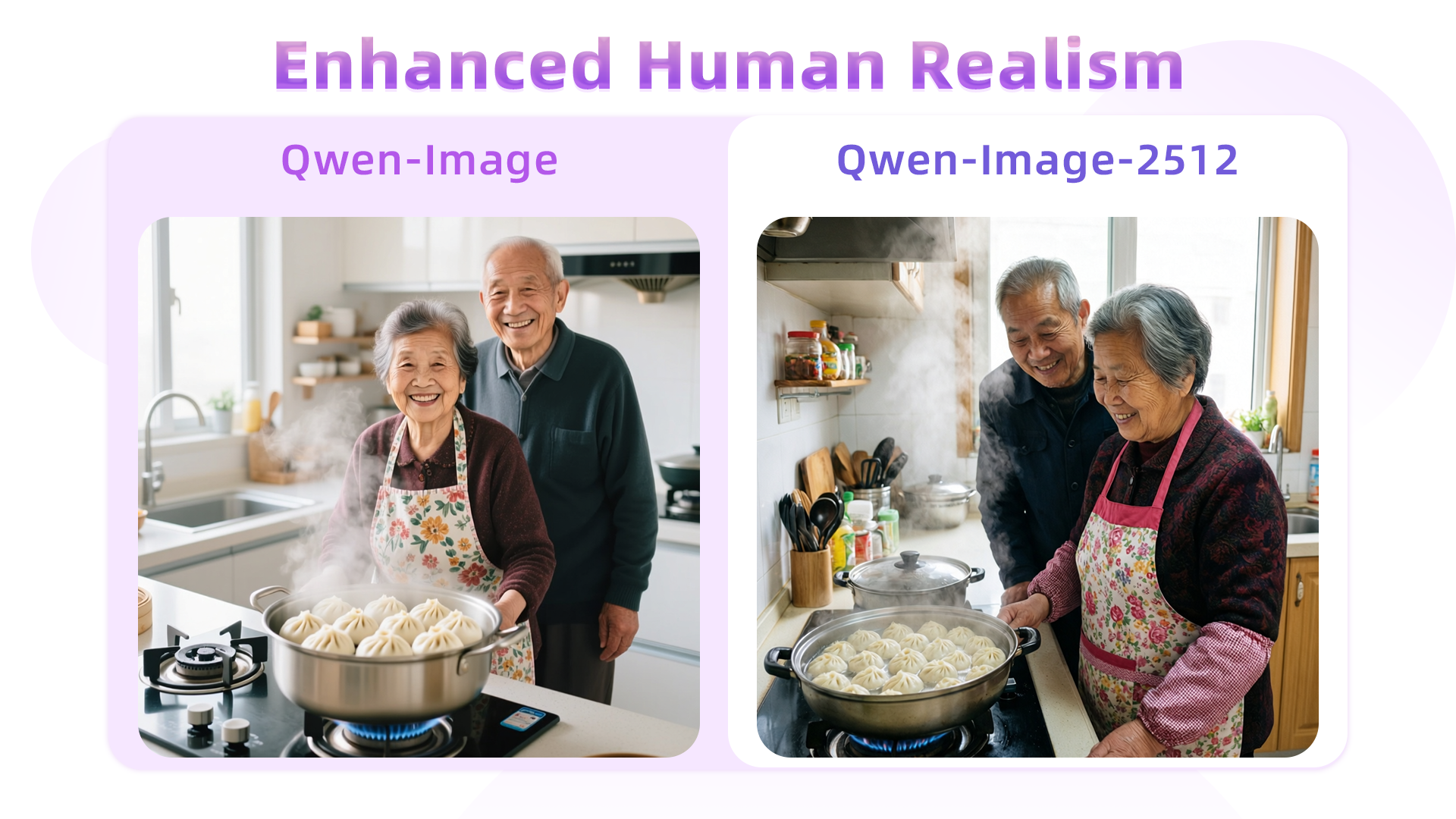
Key Highlights of Qwen Image Edit Plus
Qwen Image Edit Plus combines multi-image editing, accurate text modification, and identity preservation in one powerful editing model.
Multi-Image Editing & Blending
Qwen Image Edit Plus can work with up to 3 input images simultaneously — a capability most editing models lack. Combine different people into one scene, place products into lifestyle backgrounds, or blend elements from multiple references. The model maintains natural lighting, perspective, and composition when merging images, producing results that look authentic rather than composited.
Accurate Text Modification in Images
With 94.3% text accuracy, Qwen Image Edit Plus reliably modifies text content, fonts, colors, and materials within existing images. Change product labels, update poster headlines, or localize marketing materials by editing text directly in the image. It supports both Chinese and English text editing with industry-leading Chinese character rendering — perfect for bilingual content adaptation.
Identity-Preserving Style Transfer & Editing
When editing images, Qwen Image Edit Plus precisely changes what you ask for while keeping everything else intact. Facial features, body proportions, and object details are preserved across transformations. Apply artistic style transfers, change outfits, swap backgrounds, or adjust poses — the subject's identity remains consistent. This reliability makes it suitable for professional e-commerce, marketing, and design workflows.
How to Use Qwen Image Edit Plus
Edit images with Qwen Image Edit Plus in three simple steps. Upload your image, describe the changes, and get precise results with identity preservation.
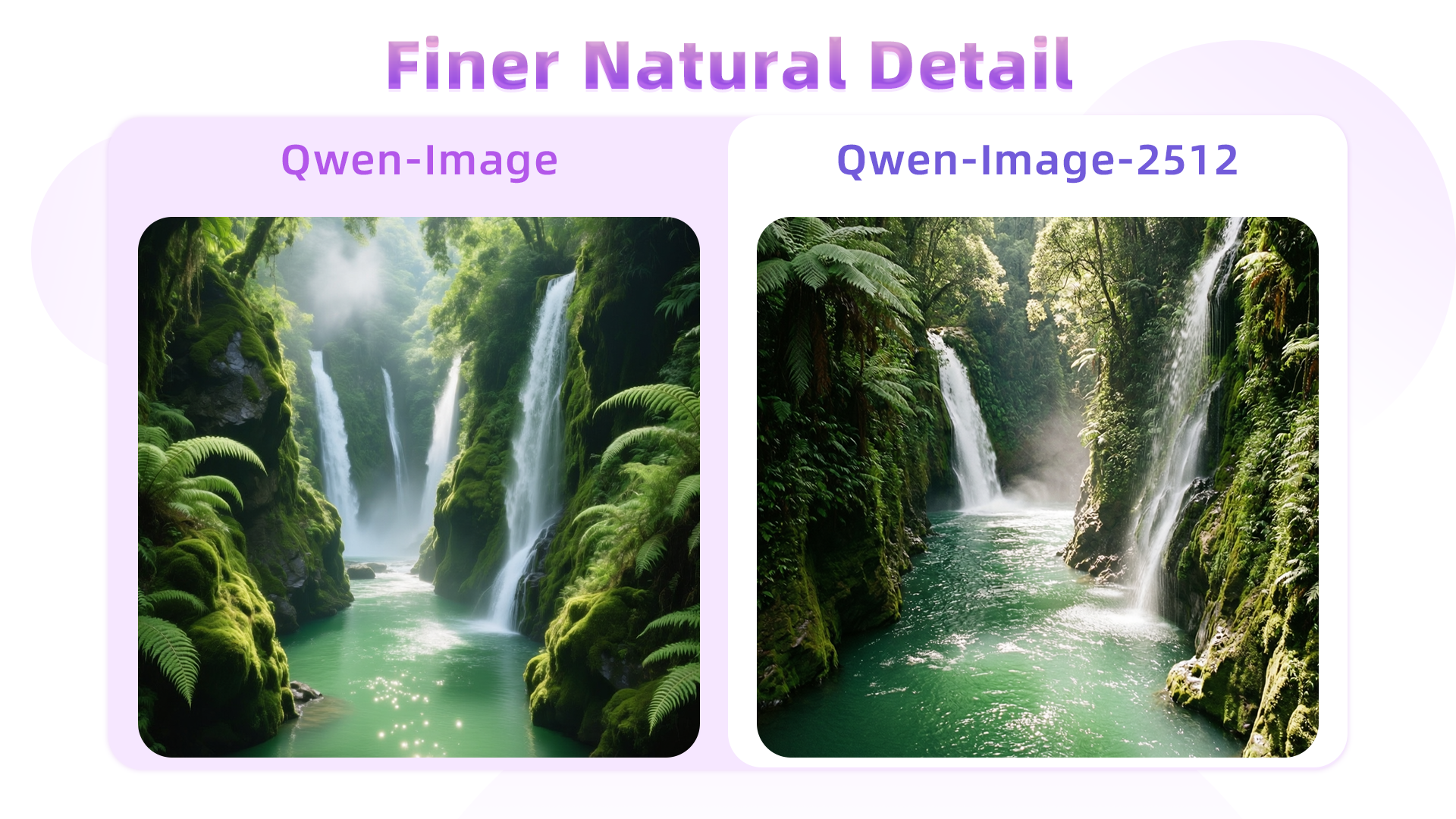
Step 1: Upload Your Image
Open the image editor and select Qwen Image Edit Plus from the model dropdown. Upload the image you want to edit. The model supports JPEG, PNG, WebP, and other common formats with resolutions from 384 to 3072 pixels. For multi-image editing, you can upload up to 3 reference images.
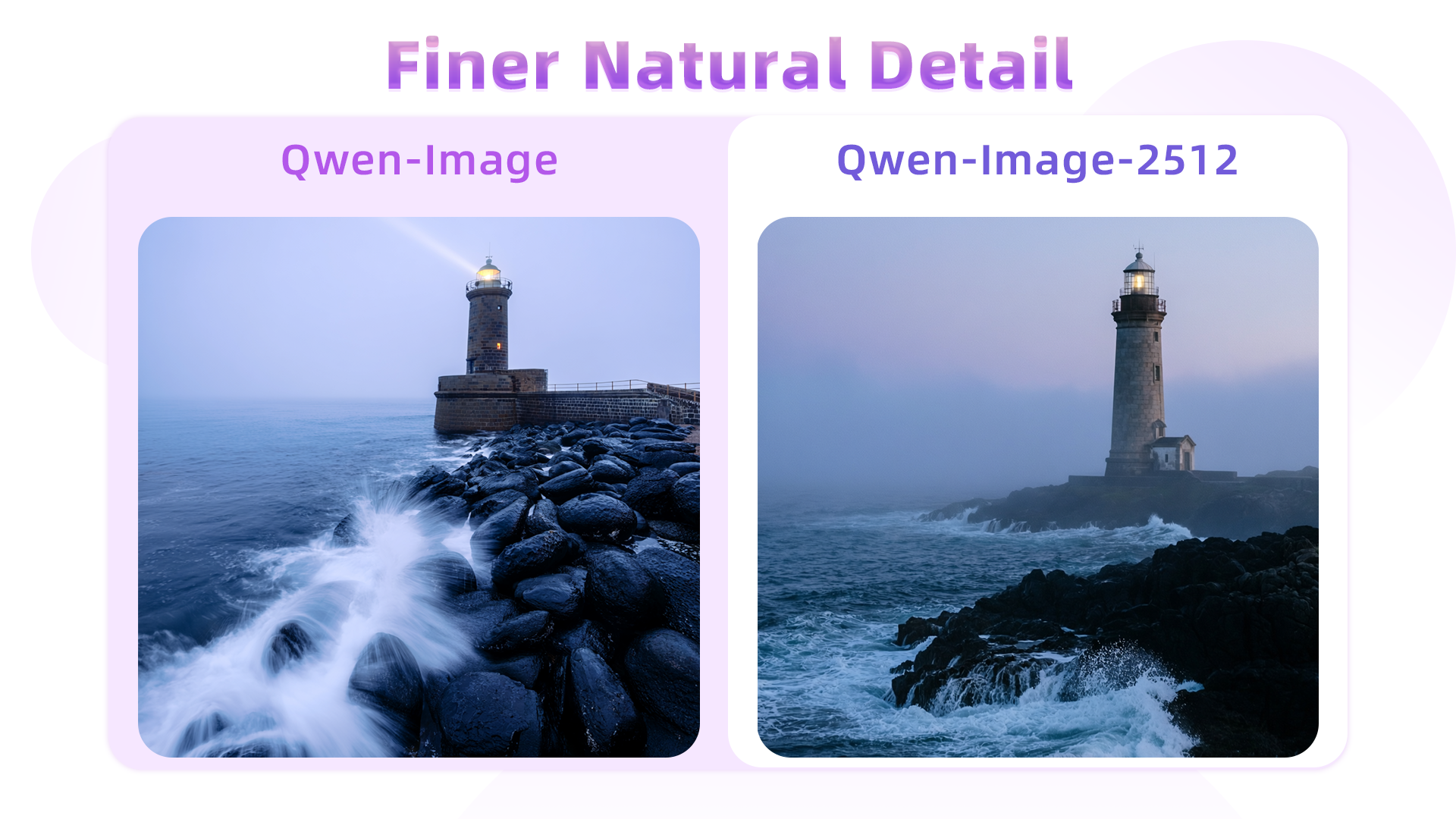
Step 2: Describe Your Edits in Natural Language
Type what you want to change using natural language instructions. Be specific: 'change the background to a sunset beach', 'replace the product label text with Summer Sale', 'combine this person with that background'. The model understands complex multi-step instructions and handles both Chinese and English commands.
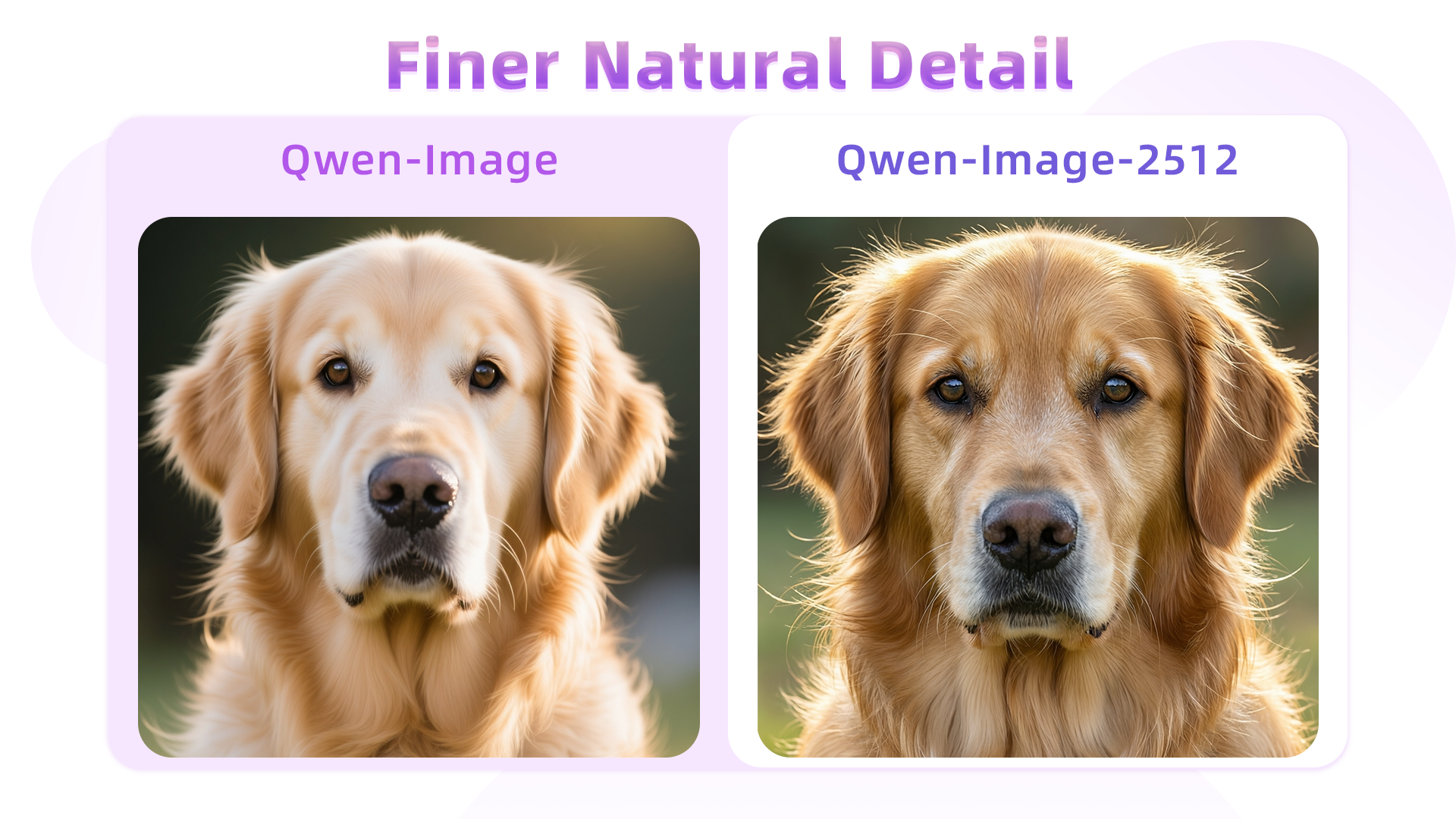
Step 3: Review and Download
The model processes your edits in 3-8 seconds and produces results up to 2K resolution. Review the output — check that identity, lighting, and details are preserved. Generate up to 6 variations per request to find the perfect result. Download in PNG format with transparency support for design workflows.
Try Qwen Image Edit Plus — Advanced AI Image Editing
Edit images with natural language, blend multiple photos, modify text with 94.3% accuracy, and preserve identity across transformations. Professional-quality results in seconds.
What Users Say About Qwen Image Edit Plus
Qwen Image Edit Plus is the most precise AI editor I've used. When I change a background, the subject's face, hair, and clothing details remain perfectly intact. The text editing feature is a game-changer — I can update poster headlines and product labels directly in the image with accurate font matching. Other editors always mess up text, but Qwen gets it right 95% of the time.

J.S., Graphic Designer
J.S.
Graphic Designer
The multi-image blending capability is exactly what we needed for our product catalog. We place products into lifestyle scenes by uploading the product photo and a background separately — the model blends them naturally with matching lighting and perspective. The Chinese text editing support means we can quickly localize marketing images for different markets.

A.L., E-commerce Manager
A.L.
E-commerce Manager
I use Qwen Image Edit Plus daily for social media content adaptation. Changing backgrounds, updating text, adjusting styles — everything preserves the original quality. The speed is impressive too, 3-5 seconds for most edits. It's replaced several separate tools in my workflow and the results are consistently professional.

M.T., Social Media Manager
M.T.
Social Media Manager
For marketing asset versioning, Qwen Image Edit Plus is unmatched. We take one hero image and create dozens of variations — different backgrounds, updated text, seasonal themes — all while keeping the core brand elements perfectly consistent. The identity preservation means our brand imagery stays recognizable across all variants.

R.K., Marketing Director
R.K.
Marketing Director
The precision of Qwen Image Edit Plus sets it apart from other AI editors. When I request specific changes, it edits exactly what I ask for — nothing more, nothing less. The style transfer feature preserves product identity while applying new visual treatments. For iterative design work where consistency matters, it's the best tool available.

L.H, Product Designer
L.H
Product Designer
I create bilingual content and Qwen Image Edit Plus handles both Chinese and English text editing flawlessly. Updating text in existing images while maintaining the original design aesthetic saves me hours compared to manual editing. The multi-image blending is a bonus — I can composite people into different scenes for story-driven content.

C.W., Content Creator
C.W.
Content Creator